Skip to content
Your next campaign starts here

Turn one briefinto your next campaign.

Turn one brief into social creative, from speaking videos to localised copy, with practical workflows, tailored prompts and one place to review the results.

Free workspace. No card needed. Workflows and prompts ready to explore.

Campaign creative
Video + visual
Localised stories
Multilingual
Team workflows
Reusable
One brief. A campaign pack.Campaign demo
A fictional café host speaking to camera in a social campaign preview.

Speaking social demo

Good food. Better company.

Harbour Café · Fictional campaign example

Short videoCampaign visualLocalised copy
  1. 01Choose a workflow
  2. 02Get the prompt
  3. 03Review & reuse

A clear brief. Coordinated creative. Ready to review.

A campaign, brought to life

A local story. A global audience.

Explore a café campaign as social creative, a coordinated visual and captions for different audiences. Start with the same workflow for your own business.

Explore workflows free

Harbour Café

Social campaign · Fictional example

Campaign pack

Preview a social placement

Spoken language

Illustrative social previews. Nothing has been posted; the platform interfaces may vary.

A familiar face. A story worth sharing.

Portrait social creative with spoken audio and captions. Choose a language and preview the placement.

9:16 · English
Read the spoken transcript

Baked rice, iced milk tea, and good company. Your weekend starts here.

Download the demo video

One fictional café brief, coordinated creative and localised copy, brought together for review.

Harbour Café is a fictional sample brand. This is a campaign preview, not a live promotion.

The brief

A weekend moment worth sharing

Invite people to take a break, share comforting food and spend time together. Keep the story human, welcoming and easy to adapt for different audiences.

Campaign idea
Good food, shared moments
Audience
Friends, families & café lovers
Creative pack
Social video, visual & localised copy
Feel
Warm, local, appetising

Your workflow

Build your campaign, one clear step at a time.

Start a free workspace, choose a workflow and pick up the prompt for each step. Bring back the results to review and reuse with your team.

  • Practical workflows you can preview
  • Prompts matched to each creative task
  • Localise, review and reuse your results
Start with this campaign workflow

Sign in to explore the free library and make an editable workflow for your business.

Included in your free workspace

Find your next workflow, free.

See the steps before you start. Your workspace brings workflows, tool choices and the right prompt for each task together.

Open the free workflow library
  1. 01

    Explore complete workflows

    Preview the steps, prompts and expected results. Save an editable copy when you find a fit.

  2. 02

    Choose your tools

    Set your preferred tools inside the workspace, so each creative task opens in the right place.

  3. 03

    Pick up the matching prompt

    Add your brief, copy the prepared prompt and create in your own account. Return the result for review.

Workflow templates and prepared prompts are available on Free. Any external tool subscription or generation credits are separate.

More in your workspace

Your campaign tools are here, too.

Alongside Workflow Hub, use PromoPilot’s existing video, copy, scheduling and reporting tools to prepare your next campaign.

Flagship

AI Short Video

Turn a product, offer or idea into a ready-to-publish Reel or Short — script, voice-over, subtitles and branding included.

AI Campaign Generation

Captions, hashtags and channel-specific variations generated from the same campaign brief.

Brand Kit

Colours, logo, tone and default CTA applied to every video automatically.

Social Scheduling

Schedule Facebook, Instagram and LinkedIn from the same screen where the video was made.

Approval Workflow

Reviewers see the video, caption, channel and schedule together before anything publishes.

Analytics

See reported engagement, clicks and conversions, then use those insights to plan your next campaign.

PromoPilot campaign tools

One clear path from brief to published campaign.

Create, review, schedule and measure without losing the campaign context along the way.

  1. 01

    Promotion

    One idea or offer

  2. 02

    Campaign

    Brief and objective

  3. 03

    Video

    15–30s vertical

  4. 04

    Variations

    Per channel

  5. 05

    Approval

    Review first

  6. 06

    Schedule

    Onto the calendar

  7. 07

    Publish

    Where supported

  8. 08

    Analytics

    What performed

  9. ↻ better next campaign

Industry packs

Built for the businesses that post weekly.

Restaurants, salons, retail, real estate, education and local services — frequent promotions, no in-house video team.

Browse industry packs
Five sample PromoPilot campaigns showing a restaurant buffet, salon styling, a home listing, a classroom course and a retail sale.
Campaign examples for five industries

Everyday campaigns, worldwide

Built for the businesses people follow

Start with an offer you already have. A short brief becomes a practical content pack your team can review and use through the week.

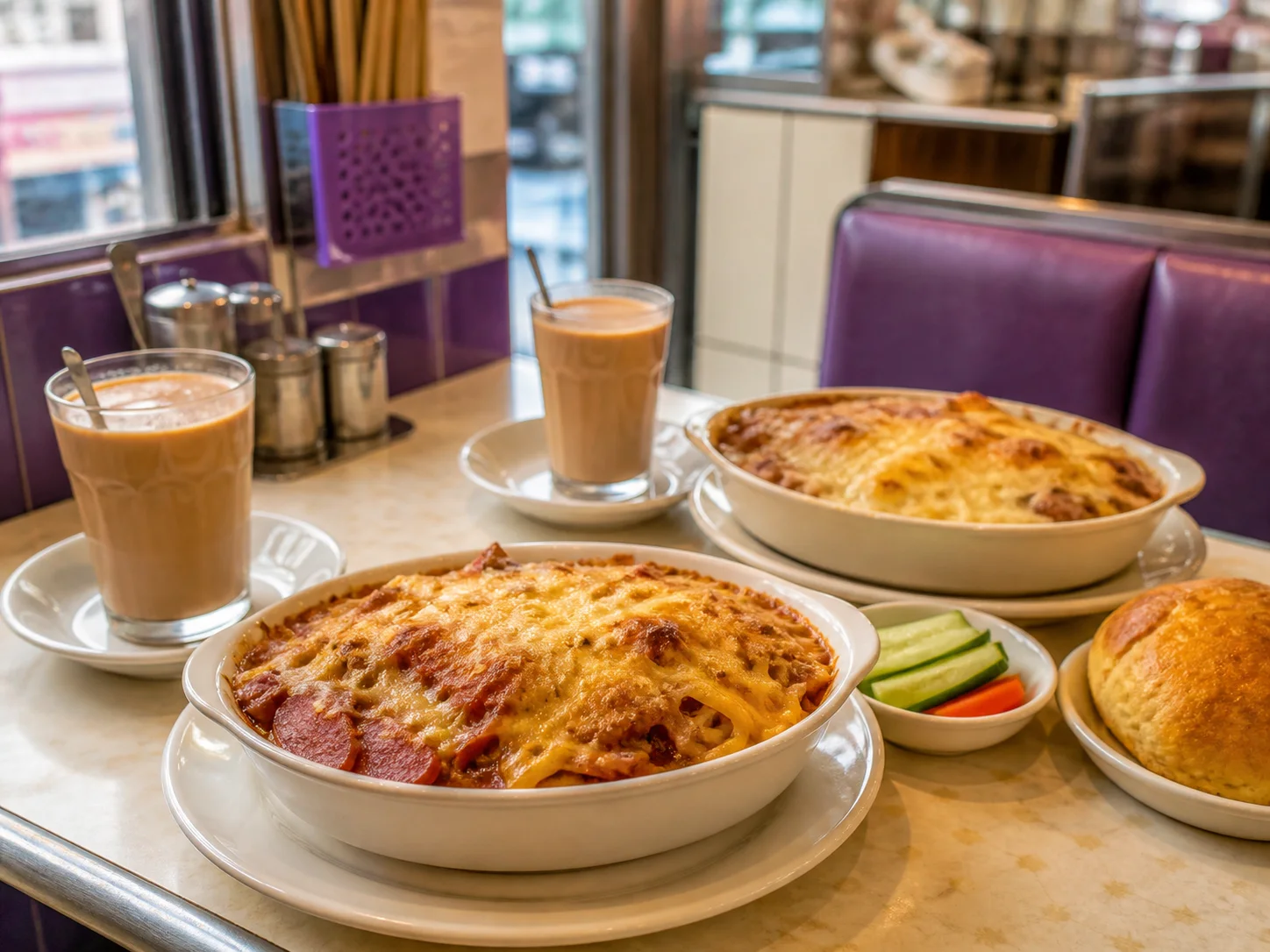
A weekend lunch for two with baked rice and milk tea in a neighbourhood café.

Café weekend special

Input
“Promote this weekend’s set for two, using our dish photos, availability dates and booking details.”
Output
A video brief + 3 social captions + a customer message, adapted to your audience.
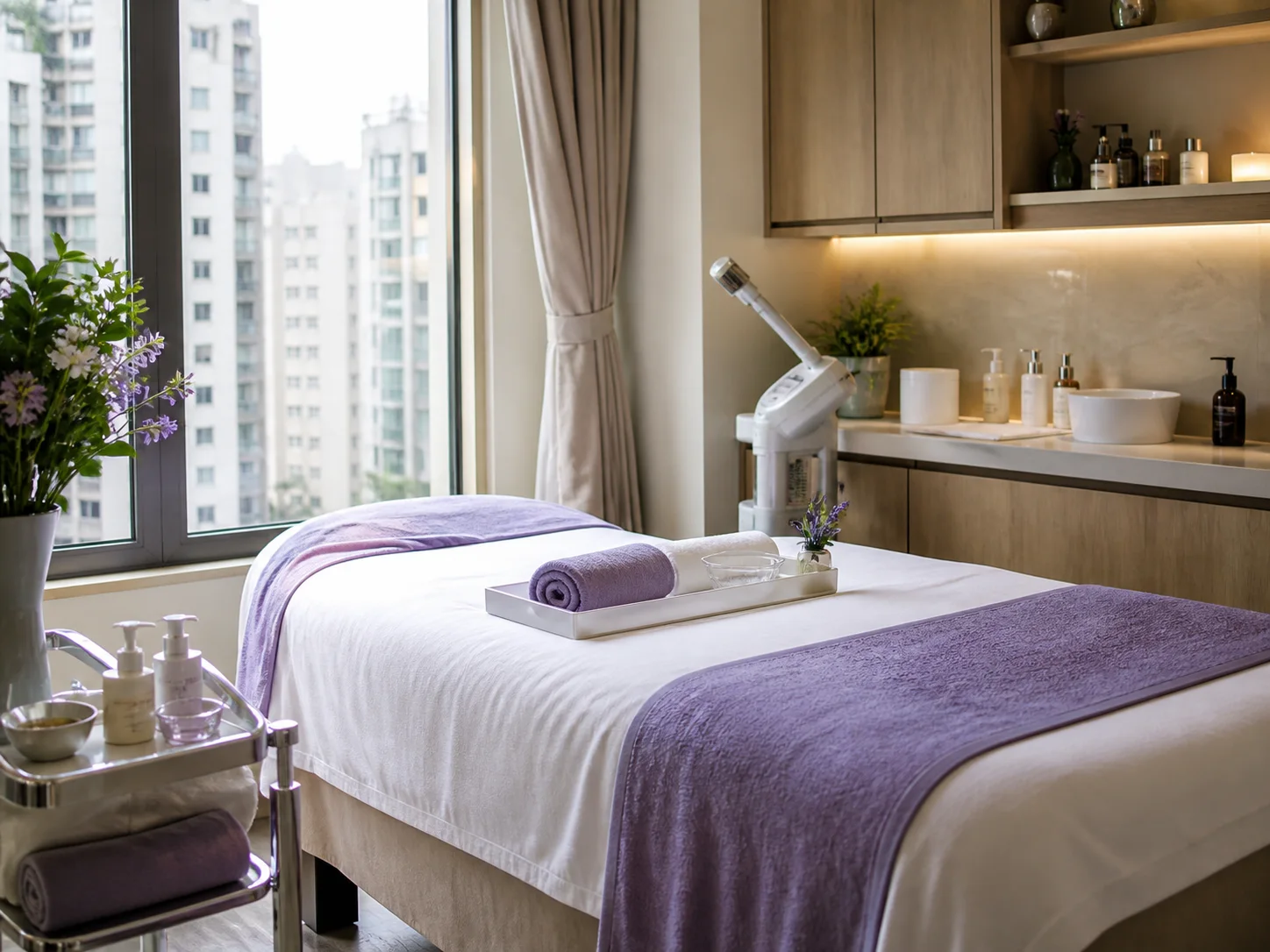
A bright salon treatment room ready to welcome new customers.

Salon new-customer welcome

Input
“Introduce our new-customer treatment offer, including the service, valid dates and booking link.”
Output
A video brief + 3 social captions + a customer message, adapted to your audience.
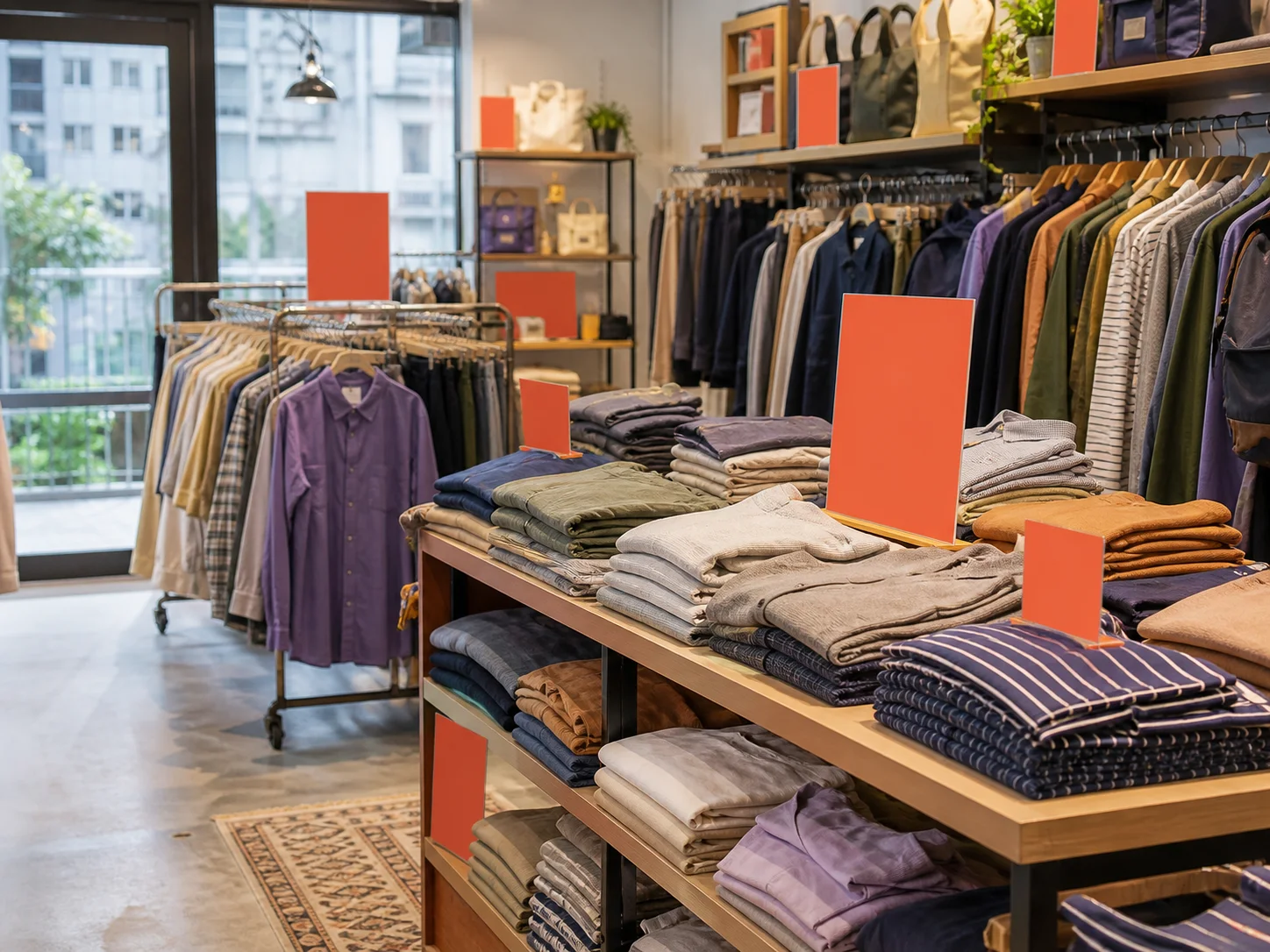
An independent retail shop preparing a seasonal clothing display.

Retail seasonal campaign

Input
“Announce our clearance promotion, including selected products, campaign dates and store details.”
Output
A video brief + 3 social captions + a customer message, adapted to your audience.

One campaign. Every audience.

Keep the idea. Speak your audience’s language.

Set your audience, language and local context in the brief. Prepare separate copy and speaker-led video prompts for each version, then review the wording, voice, captions and calls to action before sharing.

AudienceVoice & captionsLocal context

Adapt tone, dates and cultural references for each audience. Your team chooses the channels and approves the final content.

Explore workflows free

Frequently asked questions

What teams ask before they start

Clear answers about content creation, review, scheduling and introducing PromoPilot to your workflow.

1

What can I explore on the free plan?

Browse the workflow library, preview complete steps and prompts, and save an editable workflow in your workspace. Add your brief to prepare the prompt for each step, then bring back your results for review and reuse.

2

How do I get the right prompt for a creative task?

Choose a workflow, add your brief and select your preferred tools inside the workspace. Each step prepares a prompt for its task and opens your chosen tool. You copy the prompt and create in your own account; external subscriptions and usage are separate.

3

Will a workflow automatically create or publish my content?

Workflow Hub guides and records the work. You open the external tool, run the prompt and bring back the result yourself. Review the content and approve any publishing action separately. PromoPilot’s existing campaign and video tools remain available alongside the Hub.

4

What kinds of businesses is PromoPilot for?

PromoPilot is designed for teams that publish regularly, including cafés, restaurants, salons, retailers, property professionals, educators and service businesses around the world.

5

Do I need to film the video myself?

You can use your own footage or prepare a prompt for speaker-led video in your chosen creative tool. Add the result to your workflow, then check the voice, captions and brand details before using it.

6

Which languages does PromoPilot support?

The website and workspace support English and Traditional Chinese. Campaign briefs can specify another audience language for your chosen creative tool; review each version with someone fluent in that language before sharing.

7

Can I schedule content for Instagram, Facebook and WhatsApp?

Yes. Instagram and Facebook content can be prepared and scheduled in the PromoPilot workspace. WhatsApp broadcast copy is sent through sister platform MarketHK, with consent records and delivery status.

8

Can I edit the content before it goes out?

Yes. Short-video and copy drafts can be reviewed, edited and approved before publishing.

9

How do I adapt one campaign for different markets?

Keep the same campaign brief, then create a version for each audience. Specify the language, local context, tone and channel in your prompt, and bring each result back for review. Translate the message’s intent and check references, dates and captions as well as the words.

Your next promotion starts with a better brief.

Start free with a proven workflow, pick up the right prompt for each step and keep reviewed results ready for your team.